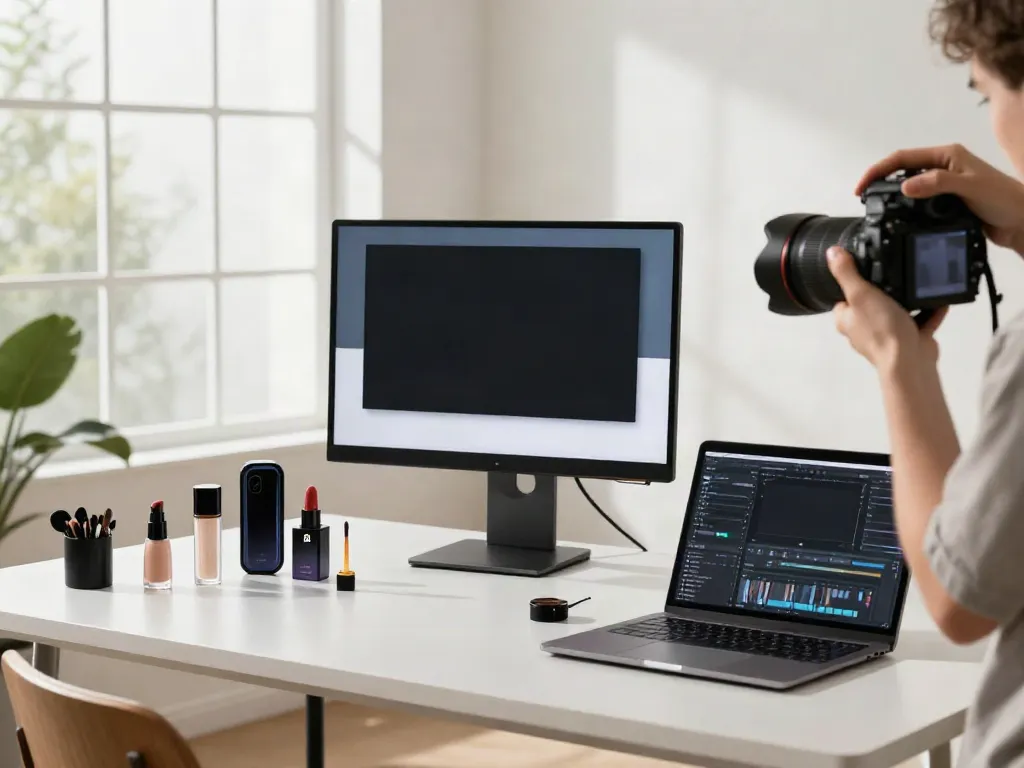
Understanding the Amazon Product Photo Generator
In the fast-paced world of e-commerce, having visually appealing and professional product photos is crucial for capturing the attention of potential buyers. Traditional photography methods can be time-consuming and costly, which is where tools like the Amazon product photo generator come into play. This innovative solution streamlines the process of generating high-quality product images directly from smartphone photos, making it accessible for sellers of all sizes.
What is an Amazon product photo generator?
An Amazon product photo generator is a digital tool that transforms simple smartphone images into polished, listing-ready product photographs. These generators utilize advanced artificial intelligence algorithms to analyze uploaded images and create output that meets the technical specifications required for platforms like Amazon, eBay, and Shopify. Whether it's a can of coconut water or a set of earrings, these tools simplify the entire photography process.
Key features and benefits for e-commerce sellers
- Time Efficiency: Generating professional images can take mere minutes, drastically reducing the need for a lengthy photoshoot.
- Cost-Effective: Eliminates the need for hiring professional photographers or investing in expensive photography equipment.
- User-Friendly: Designed for ease of use, sellers can upload images and receive ready-to-use photos with minimal technical knowledge required.
- Customization Options: Many generators offer customizable settings to fit the unique needs of the product and the seller’s branding.
How it streamlines product photography processes
The process is simple. Sellers take a photo of their product using a smartphone, upload it to the generator, and in a matter of moments, receive a high-quality image that can be used for online listings. This not only saves time but also allows sellers to focus on other critical aspects of their business, such as marketing and customer service. Furthermore, with the ability to create multiple images from one upload, it truly maximizes the potential of each product photo.
How to Use the Amazon Product Photo Generator Effectively
Step-by-step guide to uploading and generating images
Using an Amazon product photo generator requires just a few straightforward steps:
- Capture Your Photo: Take a clear shot of your product, ensuring the full item is in the frame and the label is visible.
- Upload the Image: Access the generator and upload your smartphone photo.
- Adjust Settings: Specify any desired settings for the output, such as background type or image orientation.
- Generate the Image: Click to create the photo and wait for it to process.
- Download the Final Product: Once generated, download your new product photo, ready for your listing.
Best practices for taking initial phone photos
To ensure optimal results from the generator, consider these best practices when taking your original images:
- Use Natural Lighting: Natural daylight is preferable as it provides true color representation.
- Stability is Key: Keep your phone steady to avoid blurriness. A tripod may help if available.
- Focus on the Label: Ensure that the label is clearly visible and well-focused; blurry text will not be replicated accurately.
- Neutral Backgrounds: If possible, use a simple background that doesn’t distract from the product.
Common mistakes to avoid for optimal results
While using the generator can simplify photography, certain mistakes can compromise the quality of the final product images:
- Using Flash: The smartphone flash can wash out colors; stick to natural lighting.
- Cutting Off Items: Ensure the entire product is within the frame to avoid missing details.
- Ignoring Orientation: Be mindful of how the product should be positioned in relation to the camera.
Enhancing Your Product Listings with Generated Images
The importance of professional images in e-commerce
Product images are often the first interaction a potential customer has with a product online. High-quality imagery not only enhances the aesthetic appeal of a listing but also builds credibility and trust in the seller. Professional images can significantly influence buying decisions, leading to increased sales and customer satisfaction.
How high-quality photos increase conversion rates
Research indicates that listings featuring high-quality images tend to lead to higher conversion rates. Customers are more likely to purchase products that appear attractive and professionally represented. Generated images from tools like the Amazon product photo generator can help sellers achieve this level of professionalism without the associated costs of traditional photography.
Integrating generated images into Amazon listings
Once you have your generated images, integrating them into your Amazon listings is straightforward. Utilize Amazon’s image upload tool by selecting your newly created photo as the main image, ensuring it meets Amazon’s guidelines for product photos. Supplementing your main image with additional angles or lifestyle shots can further enhance your listing.
Comparing Amazon Product Photo Generators: What Sets Them Apart?
Analyzing competitor tools and features
As the market for AI-driven photography tools continues to grow, various competitors offer unique features. For instance, some may specialize in lifestyle photography, while others excel at creating pack shots. It's essential to analyze these offerings to find the best fit for your specific needs.
Pros and cons of different image generation tools
Each tool comes with its own set of advantages and disadvantages:
- Pros:
- Cons:
Choosing the right tool for your specific needs
When selecting an Amazon product photo generator, consider factors such as the types of products you sell, your budget, and the specific features you require. Reviewing user feedback and conducting free trials when available can also help ensure you make an informed decision.
Future Trends in E-commerce Photography Technology
Emerging technologies in product photography
The landscape of product photography is evolving rapidly, with emerging technologies such as augmented reality and 3D imaging gaining traction. These technologies enable customers to visualize products in their own space, creating a more interactive shopping experience.
How AI is shaping e-commerce visuals by 2026
By 2026, AI will play a pivotal role in automating not only the generation of product photos but also optimizing them for various marketplaces. As algorithms become more sophisticated, they will offer personalized suggestions for images based on customer preferences, enhancing engagement and driving sales.
Predictions for the next generation of product photo generators
Looking ahead, we can expect the next generation of product photo generators to incorporate advanced features such as AI-driven analytics to assess image performance, voice commands for hands-free operation, and even integration with social media platforms for seamless sharing. These advancements will empower sellers to create compelling visual narratives around their brand and products.
How can I create an Amazon product image?
To create an Amazon product image, simply take a clear photo of your product, upload it to an image generator, set your preferences, and let the tool transform it into a professional image.
Does Amazon have an AI image generator?
Yes, Amazon offers various tools and resources for sellers, including AI-powered solutions for image generation. These tools help streamline the process of creating high-quality product images that meet Amazon's specific requirements.
Is there a free AI product photography generator available?
Many platforms offer free trials or basic functionalities at no cost. However, for comprehensive features, paid options are typically available.
How to take a picture of a product and find it on Amazon?
To find a product on Amazon, take a clear photograph, then use the Amazon app's search feature, which allows you to upload images for direct product searches.
What are common mistakes to avoid with product photography?
Common mistakes include using poor lighting, failing to focus on the product's details, and not adhering to platform guidelines regarding image size and quality.